Pavel Demidovich

Tools

Tools for photographers

A shoot does not end in the camera; it ends in a file someone has to open. These are the small tools I built for that part of the work.

Chrome extension

TIFF to PNG

A TIFF ↔ PNG converter that runs in your browser and never uploads your files.

Drop a TIFF into the extension window and get a PNG. A multi-page file becomes one PNG per page, transparency survives, and every page is encoded losslessly.

It works the other way too: PNG → TIFF, one file per page.

  • Batch conversion
  • Multi-page TIFF
  • Transparency
  • No uploads
  • Works offline
  • Free, no sign-up

What it gives a photographer

  • A client preview that opens on a phone, a tablet and in any browser.
  • A multi-page scan becomes one PNG per page — easy to archive and publish.
  • A PNG with transparency for a layout, a collage or a web page.

The extension requests no permissions and contains no networking code: the file never leaves your computer.
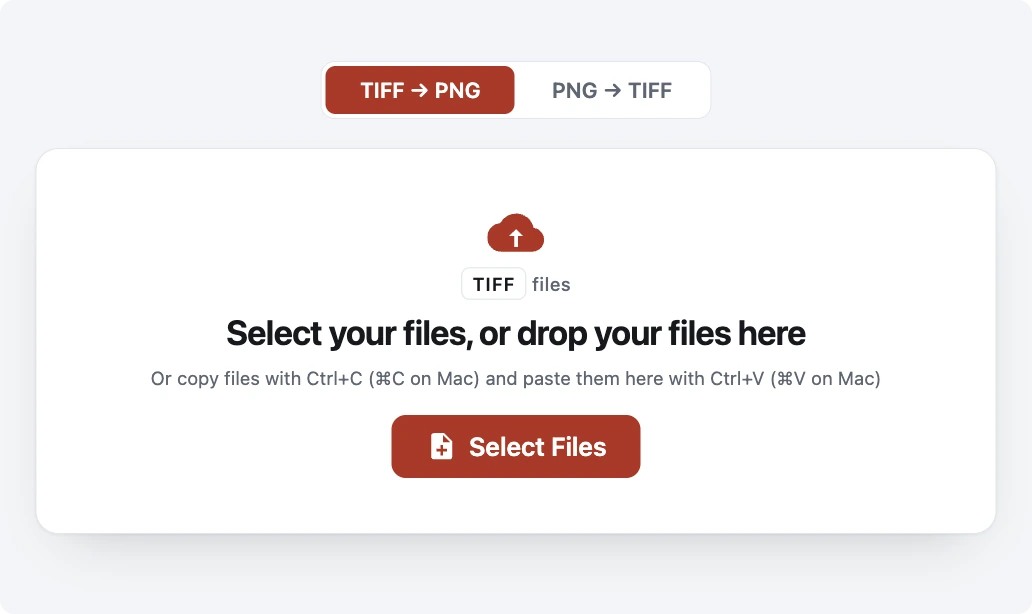
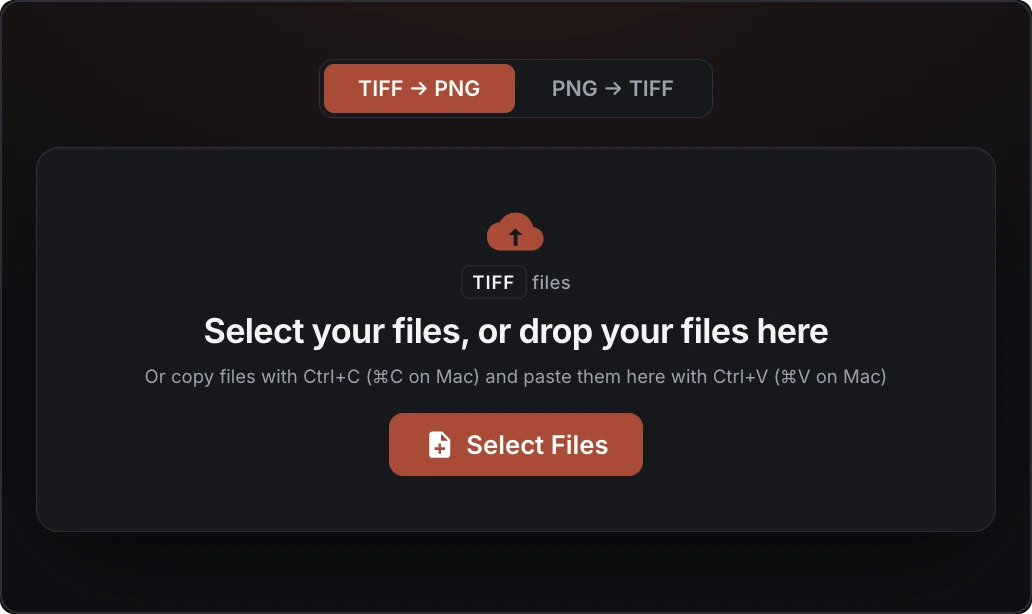
The TIFF to PNG extension window with the TIFF → PNG switch, a drop area for files and a file picker button. The TIFF to PNG extension window with the TIFF → PNG switch, a drop area for files and a file picker button.

Why photographers convert TIFF to PNG

TIFF is the master. PNG is the file every browser, client tablet and web gallery can actually open.

TIFF holds the master

16 bits per channel, lossless, scans and print files. That is why it is large — and why it is awkward to show.

Browsers do not display TIFF

Chrome, Safari and most messaging apps will not open a .tif. The client you sent it to sees an empty square.

PNG is lossless and keeps alpha

The same pixels in a format that opens everywhere: previews, portfolios, layouts and web pages.

How it works

  1. 01

    Install the extension

    The button above opens the Chrome Web Store listing.

  2. 02

    Open the window

    The icon appears in your browser toolbar.

  3. 03

    Drop your files

    Or select them, or paste them from the clipboard.

  4. 04

    Download the PNGs

    One at a time or as a single ZIP archive.

Honest limits

So you do not learn this after converting:

  • A 16-bit TIFF keeps its top 8 bits per channel — PNG cannot carry more.
  • A PNG made from a JPEG-compressed TIFF is larger than the source: JPEG already threw data away.
  • 32-bit and floating-point TIFFs are reported, not converted.

Questions

Are my files uploaded?

No. The extension decodes and encodes in the browser, in Web Workers. It has no networking code and requests no permissions, so the file never leaves your computer.

Can it convert PNG back to TIFF?

Yes. The switch under the title flips the direction. One PNG becomes one single-page TIFF, Deflate-compressed, with transparency kept.

What happens to a multi-page TIFF?

Each page becomes its own PNG, named after the source file and its page number.

How much does it cost?

Nothing. It is free, with no account and no subscription.

Does it work offline?

Yes, after installation. Every codec — including the PNG optimiser and Zopfli — is bundled into the extension.

Try it on one of your files

Take any TIFF from your archive — even a multi-page scan — and see what comes out.

Install TIFF to PNG